
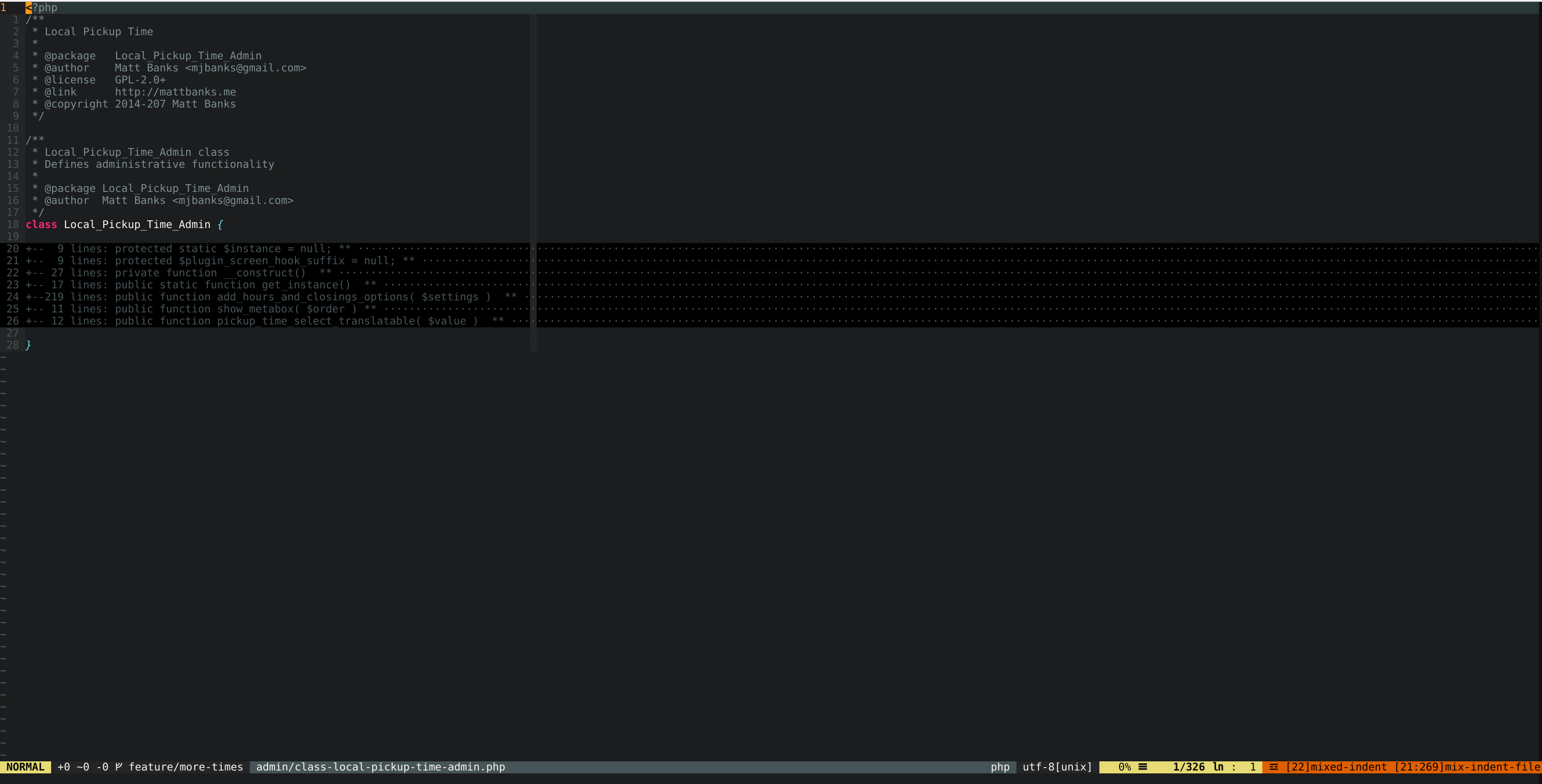
Neovim - Editing WordPress Plugin File
| |

WordPress Development On A Chromebook, Termux, & Neovim
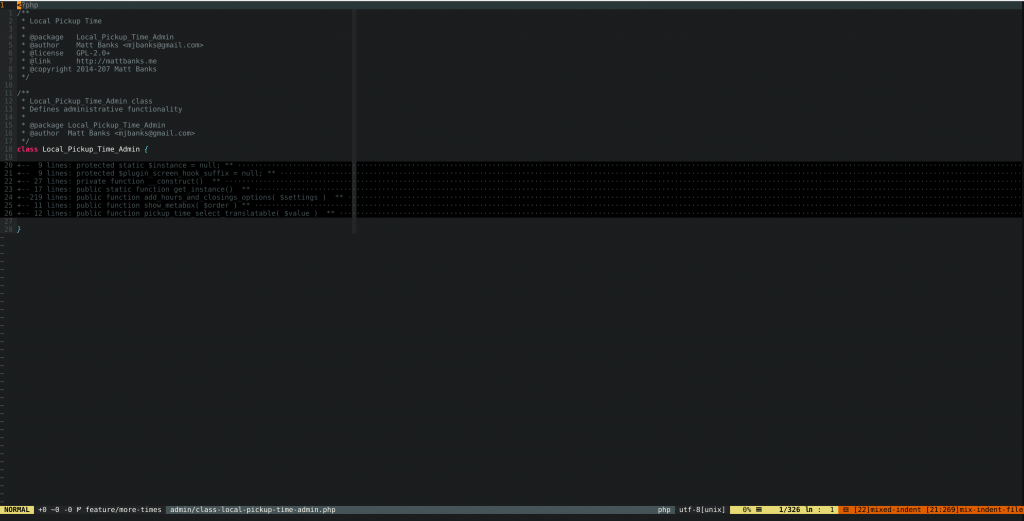
Neovim - Editing WordPress Plugin File
Neovim – Editing WordPress Plugin File

So about 6 months ago I decided to make some changes to my personal development environment. I’ve been using a Chromebook as my primary machine since about 2013. I first purchased an Acer C710 for my wife to use but compared to our Macbook Pro it was a frustrating and subpar experience for her, not to mention she was a heavy Adobe Suite user. Since sharing the Macbook Pro was challenging I set out to use the Chromebook as me development machine. Originally I went with the crouton option. It was pretty sweet to have a full Linux environment alongside Chrome OS. I was then running a full LAMP environment with PhpStorm as my IDE. This worked OK, I had performance and stability issues at times. In an effort to resolve some of the performance issues, and screen realestate, I picked up a Toshiba Chromebook 2 and again started with a crouton environment. After having to rebuild my crouton environment a few times, and still experiencing random broken crouton stuff, I decided to move to a web-based IDE.
CodeAnywhere - Web-based IDE
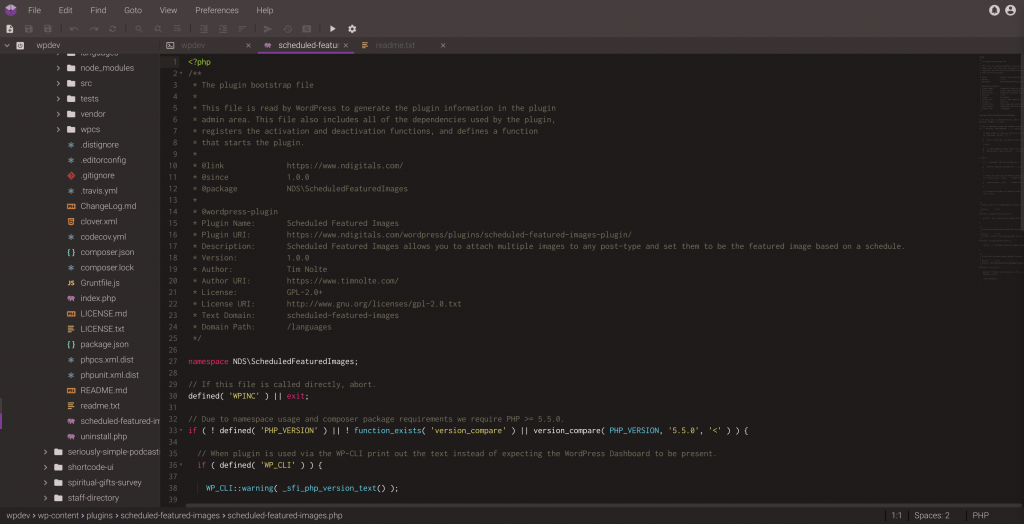
CodeAnywhere – Web-based IDE

I tried a gamut of web-based IDEs, including Cloud9 & CodeAnywhere, and ended up settling on CodeAnywhere for a good chunk of time. During that time I actually picked up an HP Chromebook G1, which is what I use to remote to my work Virtual Desktop at Sprint, which has been a pretty solid machine. As for CodeAnywhere, I actually paid for a multi-year plan, but after seeing little progress on features, and severely lackluster customer service when things weren’t working, I started looking for alternatives. I was considering going back to crouton but was not liking the idea of putting my Chromebook back into Developer Mode. I did checkout Codenvy, which is a hosted version of Eclipse Che a sort of web-based version of Eclipse. About that time Android applications had become officially supported on my Chromebook.
Development Setup

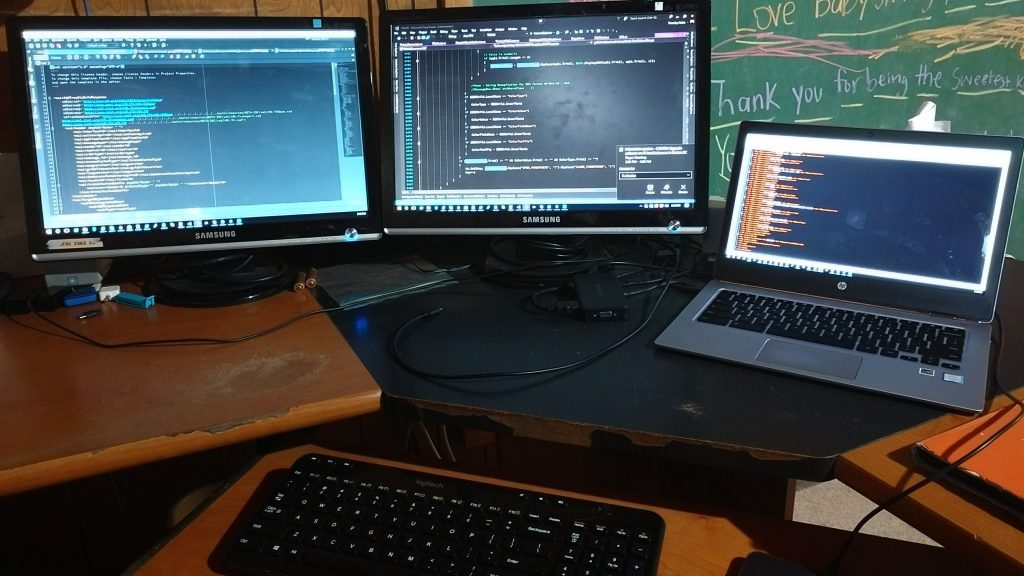
As I was checking out the landscape again on doing full development on my Chromebook, I came across an interesting article. The concept was to use the Android environment on Chrome OS and the application Termux as a development environment. And that led me even further into the idea of going a little retro and using vim, and more specifically Neovim, as my IDE.

Since I’ve just recently restored my Neovim setup and time will tell if this is going to be my long term solution. I just recently completed some WordPress plugin changes for a WooCommerce plugin that I needed to make for a client site. Once the translation file is updated I’m hoping that my pull request is accepted and my changes are actually included in the official plugin. On a side note I resorted to using the GitHub Update plugin for install my version, and my branch of changes, to the client site until my changes are official. I’ll go into more of that during my upcoming talk at WordCamp Grand Rapids later this June.

Similar Posts

  • /

    WPGR: Learn about the Developer Tools in your browser

    Firefox Developer Tools – Topher Inspector – look at HTML/CSS behind a web page Responsive Display Mode Console – look for errors (security/resource loading issues) Different results depending on when you open – loading vs loaded Debugger – for JavaScript Style Editor – for changing CSS Performance – monitoring page load performance Network – Storage – Local browser items, page cache, cookies, etc. Chrome Developer Tools – Brian Shortcuts – keyboard commands to open dev tools (CTRL-OPT-I[Mac OS X]/CTRL-SHIFT-I[ChromeOS]) Docking – SHIFT-CMD-D(Mac OS X) / CTRL-SHIFT-D(Chrome OS) Elements (inspector) Styles – Filter allows for viewing specific CSS states (i.e. :hover) Add specific element styles Color Swatch – has a color picker, can save swatches Computed Styles View a visual representation of spacing See the CSS that…
  • / /

    Life’s Lows…

    No worries, things are good I just seem to be suffering from some social withdrawal. That being said God is working on my patience, thank goodness. I’m fighting my mind daily, but it’s been those times God has given me the ability to just give it to Him. Something that is interesting, I’ve been have some interesting dreams. These dreams have been about the same general thing. It seems like these have been dreams that God has brought to mind to reveal something to me that I didn’t realize was there. Basically I’ve had some recentment about something. I’ve asked for forgiveness for this. Something else that God has shown me is why I’ve not been content over the years staying in one place. I…
  • / /

    WordCamp US 2019 – Code Like A Writer – Alex Ball

    Writing Principles Punctuation Saves Lives Separate your metaphors separate your concerns making good comments Coding Principles Syntax Form – code formatting Spellcheck – code linting DRY – Don’t repeat yourself Redundant words just take up time Code is Poetry Being creative Clean and concise Doing as much as it can with as little as possible In Stories Someone Usually Dies in the End In AJAX function wp_die() at the end.
  • / / / / /

    WordPress Meetup – February 2019

    Show & Tell Grammarly – Proofreading Google Docs – for writing Zoho – online productivity suite Invoicely – Small business client management & automation Plutio – Project management WordPress.org Favorites – When installing new plugins you can use favorites and use any WordPress.org username. WordPress Plugins TablePress Advanced Custom Fields Block Lab WordPress Themes Hestia WordPress Theme Development Foundation 6 JointsWP FoundationPress WordPress Management WP All Import DVS, Grand Rapids, MI
  • / / / /

    WordPress Meetup 3/21/19

    Show & Tell WPRig – Morten Rand-Hendrickson (to be next guest speaker) Bold Grid Cloud WordPress Repo Testing – WordPress Theme/Plugin Tester Poopy.Life – Temporary WordPress Installs BrowserStack – Website/Browser Testing Service Grav – Static Site CMS Statamic – Static Site Generator Hugo – Static Site Generator Strattic – Static Site Generator for WordPress Caldera Forms – WordPress Form Generator https://www.simplystatic.co/ https://www.hardypress.com/ WordPress Related Job Market Job Options Non-Technical WordPress Website Work Content – articles, documentation Editing Strategy Auditing SEO – implementing, auditing, specialization Services Marketing Social media management community engagement Help Others Administration Business Management Project Management Support Non-WordPress Businesses Looking to start something new in WordPress Finding A Job Continue Where You Started Examine Your Experiences Get Out There Have Conversations Getting Hired…

Leave a Reply

Your email address will not be published. Required fields are marked *

This site uses Akismet to reduce spam. Learn how your comment data is processed.

To respond on your own website, enter the URL of your response which should contain a link to this post's permalink URL. Your response will then appear (possibly after moderation) on this page. Want to update or remove your response? Update or delete your post and re-enter your post's URL again. (Find out more about Webmentions.)