| |

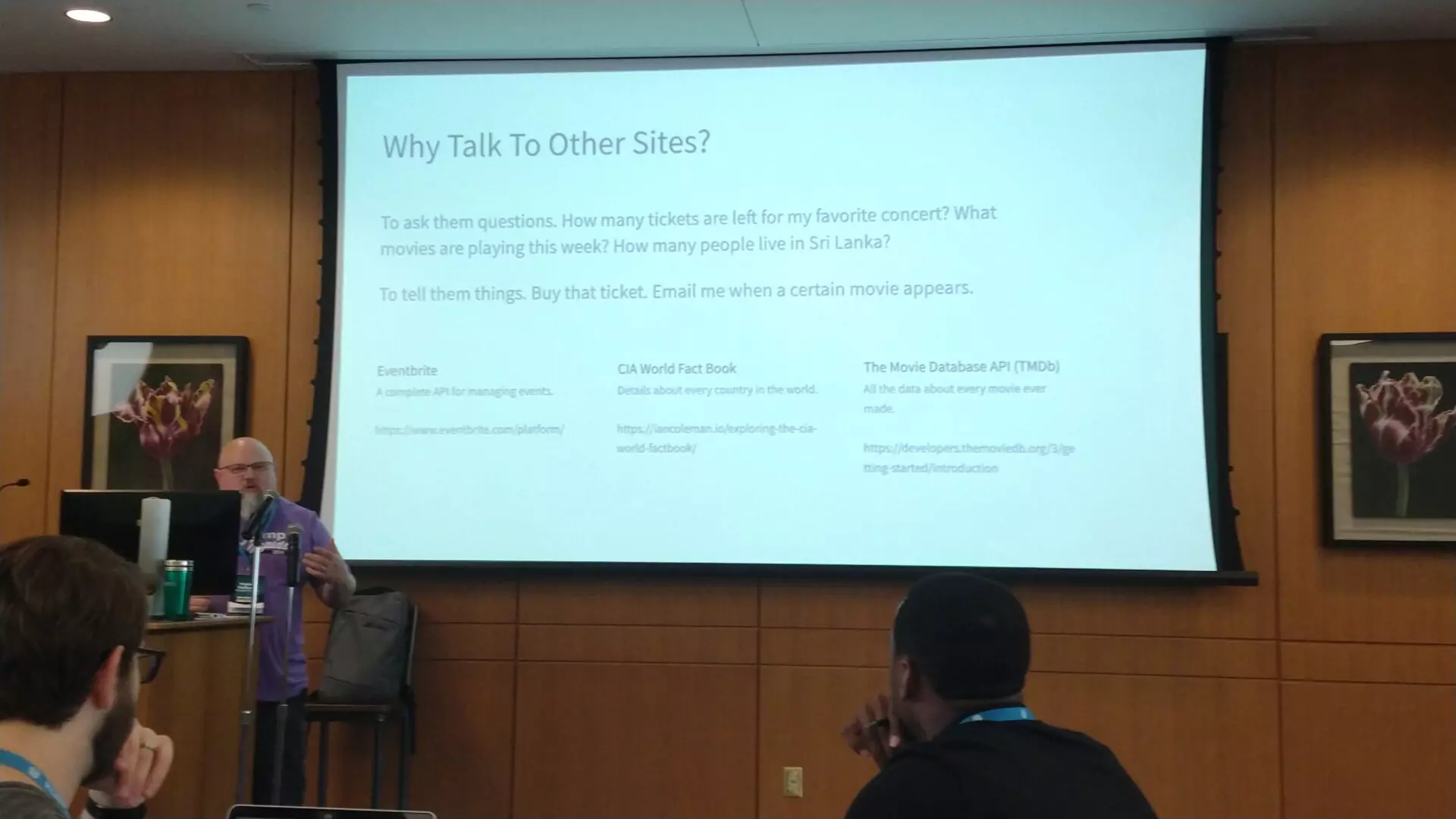
WordCamp US 2019 – Code Like A Writer – Alex Ball

Writing Principles

  • Punctuation Saves Lives
  • Separate your metaphors
    • separate your concerns
    • making good comments

Coding Principles

  • Syntax
  • Form – code formatting
  • Spellcheck – code linting
  • DRY – Don’t repeat yourself
    • Redundant words just take up time
  • Code is Poetry
    • Being creative
    • Clean and concise
    • Doing as much as it can with as little as possible
  • In Stories Someone Usually Dies in the End
    • In AJAX function wp_die() at the end.

Similar Posts

  • /

    WordCamp US 2019 – Just Enough React for WordPress – Shannon Smith

    New Block Editor Discover the Possibilities Block templates Blocks instead of custom fields, shortcodes, etc How Does the New Block Editor Work? Uses React, JavaScript/JSX Blocks are like plugins There is a Core Layer & Editorial Layer React abstraction is built-in Cool Stuff Blocks can be reusable Backend Workflow-only blocks Block level locking – you can remove blocks that are not needed. React Uses JSON literals It’s in the HTML but doesn’t negatively affect the HTML Templates You can create block templates Can be assigned to existing post types You can have nested templates Compatibility Shortcodes Will continue to work as before but contained within a block Custom Post Types Metaboxes Can be converted to blocks Can be used in the block editor Themes You…
  • /

    Using WordPress As My Note Taking Tool

    So this past Sunday, in a continued effort to find my replacement note taking tool for Evernote, I decided to give my blog a try as a not taking tool. I have the Android app on my phone and tablet so that step made things fairly easy. For the most part things went very well, except I still don’t like the lack of Post Format editing support in the mobile app. I still had to switch over to the web to refine my final note the way I liked it to be. Did some Googling to see what other people’s experiences have been with trying this. Might have to give some of their suggestions a try as well. WordPress as a note taking tool Use…
  • WordCamp GR 2017 – Plugins: The WP Box of Chocolates – Stacy Vanden Heuvel

    Stacy Vanden Heuvel – http://www.mtnwebs.net/ (blog) http://mtnwebs.com/ What are they? Premanufactured code that adds function and features. 51,000+ plugins available today. Dropped into a site. There is a plugin or everything. Why does anyone care? Makes website building easier. How do you choose? How many active installs? Does it have reputable developers? When was it last updated? What are the ratings? – need to take these with a grain of salt Is it compatible with the current release? Does it fit with exactly what you need it to do? Plugin Examples WP-Polls Auto Terms of Service and Privacy Policy – doesn’t support translations WPFront Scroll – scroll-to-top button Hummingbird – page speed optimization, gives you an optimization report WP Smush – image optimization, optimizes as you upload,…

  • / / / / /

    WordPress Meetup – February 2019

    Show & Tell Grammarly – Proofreading Google Docs – for writing Zoho – online productivity suite Invoicely – Small business client management & automation Plutio – Project management WordPress.org Favorites – When installing new plugins you can use favorites and use any WordPress.org username. WordPress Plugins TablePress Advanced Custom Fields Block Lab WordPress Themes Hestia WordPress Theme Development Foundation 6 JointsWP FoundationPress WordPress Management WP All Import DVS, Grand Rapids, MI
  • / /

    WordPress Development On A Chromebook, Termux, & Neovim

    So about 6 months ago I decided to make some changes to my personal development environment. I’ve been using a Chromebook as my primary machine since about 2013. I first purchased an Acer C710 for my wife to use but compared to our Macbook Pro it was a frustrating and subpar experience for her, not to mention she was a heavy Adobe Suite user. Since sharing the Macbook Pro was challenging I set out to use the Chromebook as me development machine. Originally I went with the crouton option. It was pretty sweet to have a full Linux environment alongside Chrome OS. I was then running a full LAMP environment with PhpStorm as my IDE. This worked OK, I had performance and stability issues at…

Leave a Reply

Your email address will not be published. Required fields are marked *

This site uses Akismet to reduce spam. Learn how your comment data is processed.

To respond on your own website, enter the URL of your response which should contain a link to this post's permalink URL. Your response will then appear (possibly after moderation) on this page. Want to update or remove your response? Update or delete your post and re-enter your post's URL again. (Find out more about Webmentions.)